Your notes, encrypted and synced to GitHub
AES-256 encrypted markdown notes that sync to your private repository. No cloud servers. No vendor lock-in. Just you and your data.
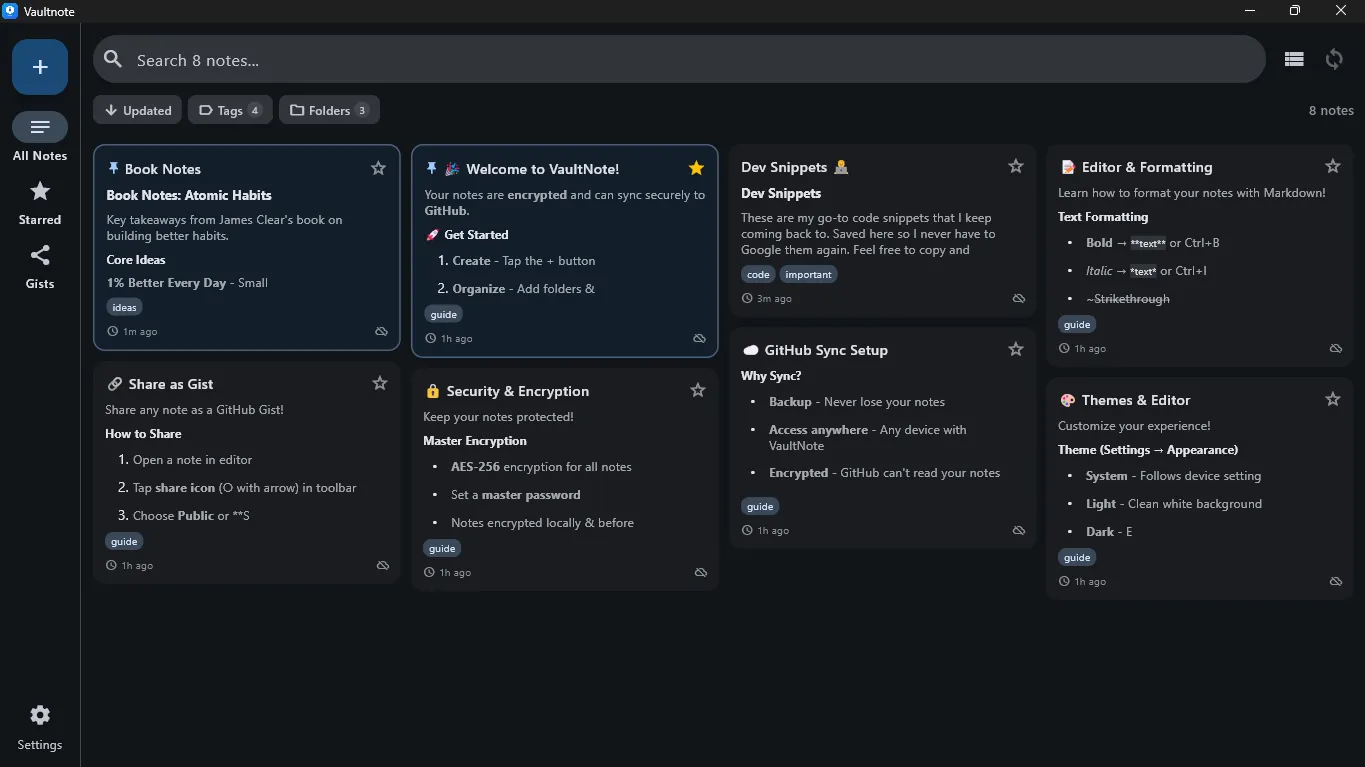
The Problem with Note Apps
Most note apps store your data on their servers. You trust them with your thoughts, passwords, and ideas.
Cloud apps read your data
Your notes sit on someone else's server
Passwords stored remotely
One breach exposes everything
Vendor lock-in
Switching apps means losing data
VaultNote encrypts first
AES-256 encryption before any sync
Your GitHub repository
Data stored where you control it
Full ownership
Plain markdown files, no lock-in
Security You Can Trust
- AES-256-CBC encryption for all synced notes
- Master password never stored — HMAC validation only
- Biometric unlock (fingerprint/face) support
- Import & export your notes anytime
- Open source — verify the code yourself
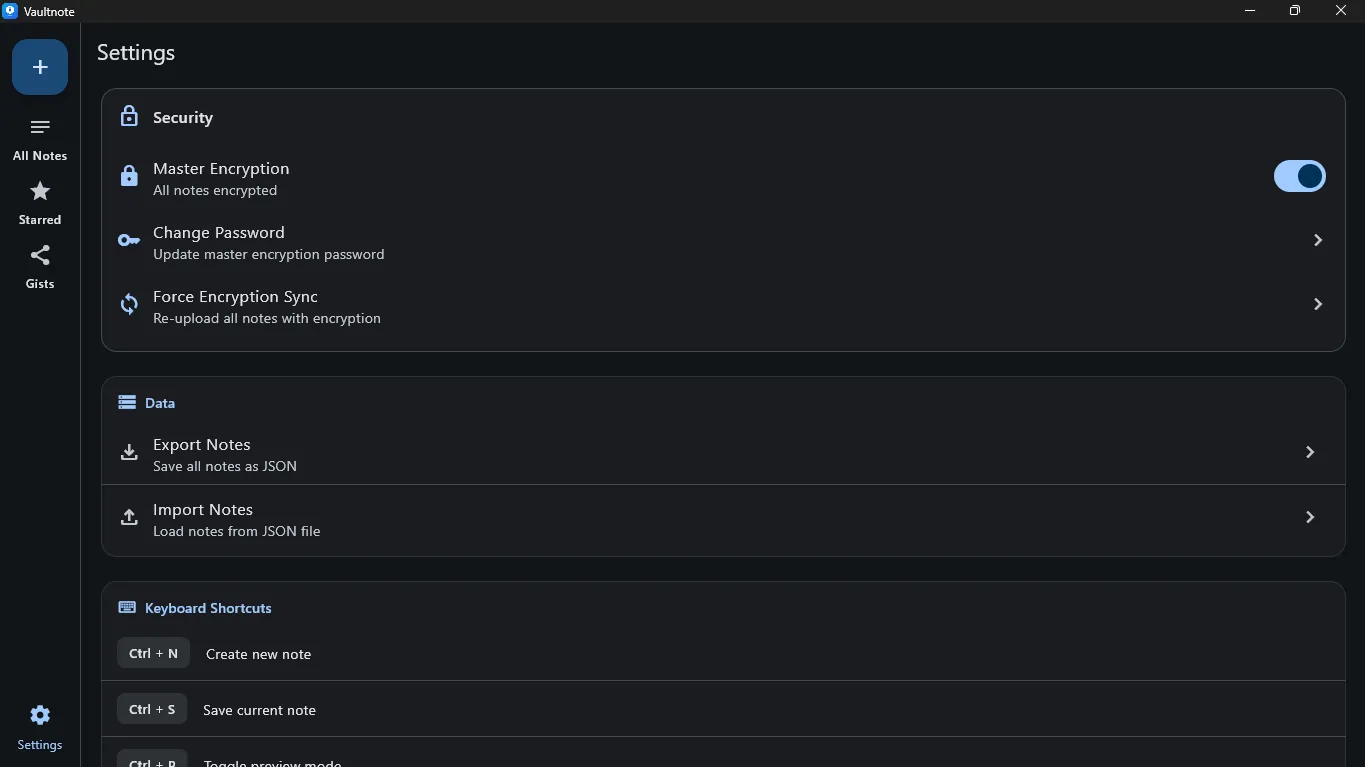
GitHub Sync
Your notes sync to a repository you own. No third-party servers.
Connect GitHub
Secure OAuth device flow — no personal access tokens needed
Choose Repository
Select any private repo and branch for your notes
Encrypt & Sync
Notes encrypted locally, then pushed to your repo
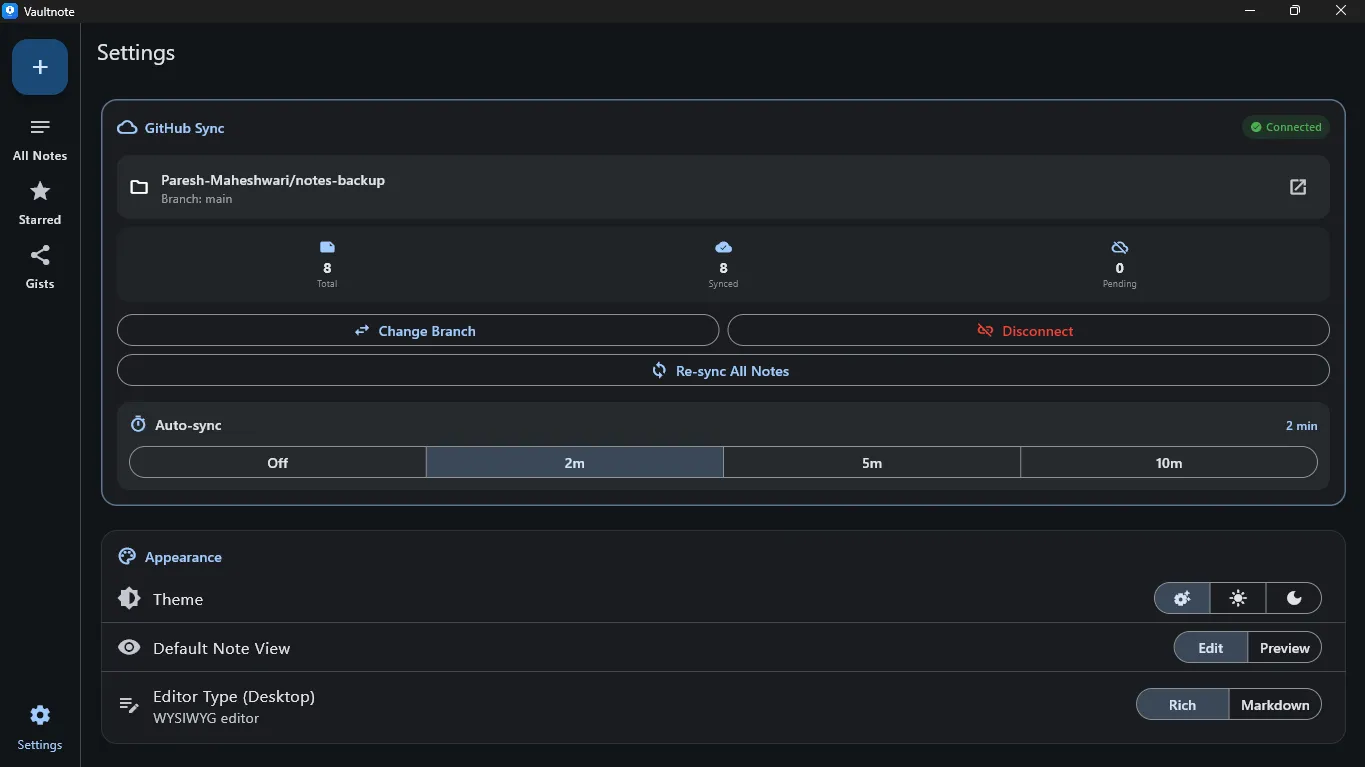
Powerful Note Editing
Choose between rich WYSIWYG or markdown editing with live preview.
View Mode
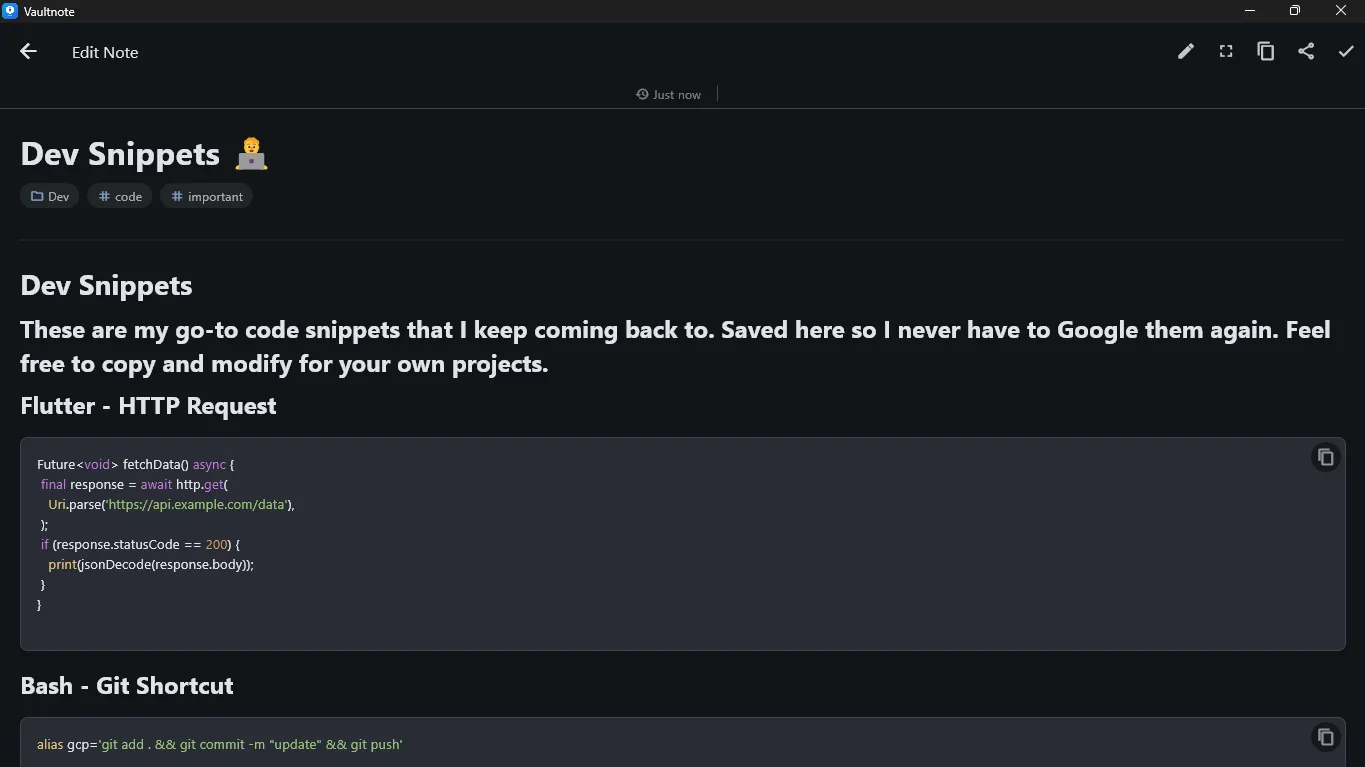
Markdown Editor
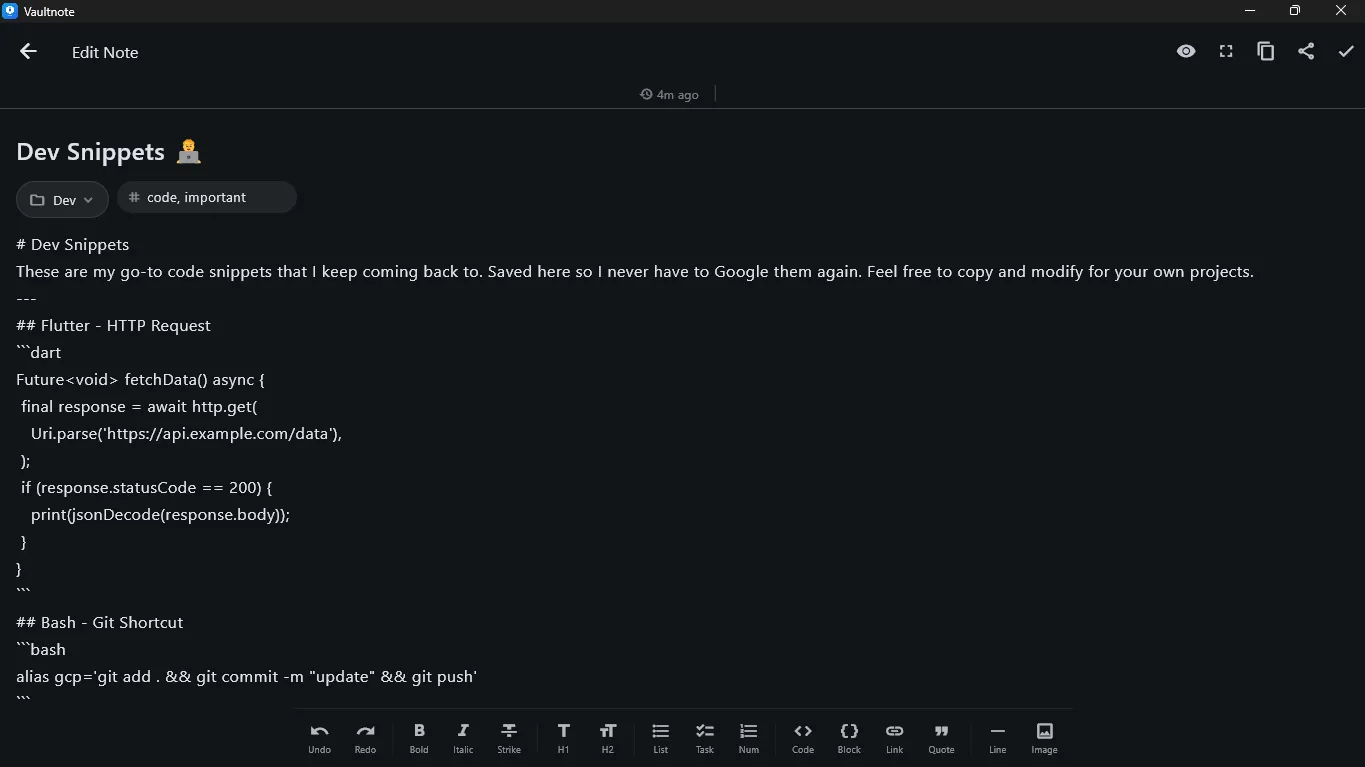
Starred Notes
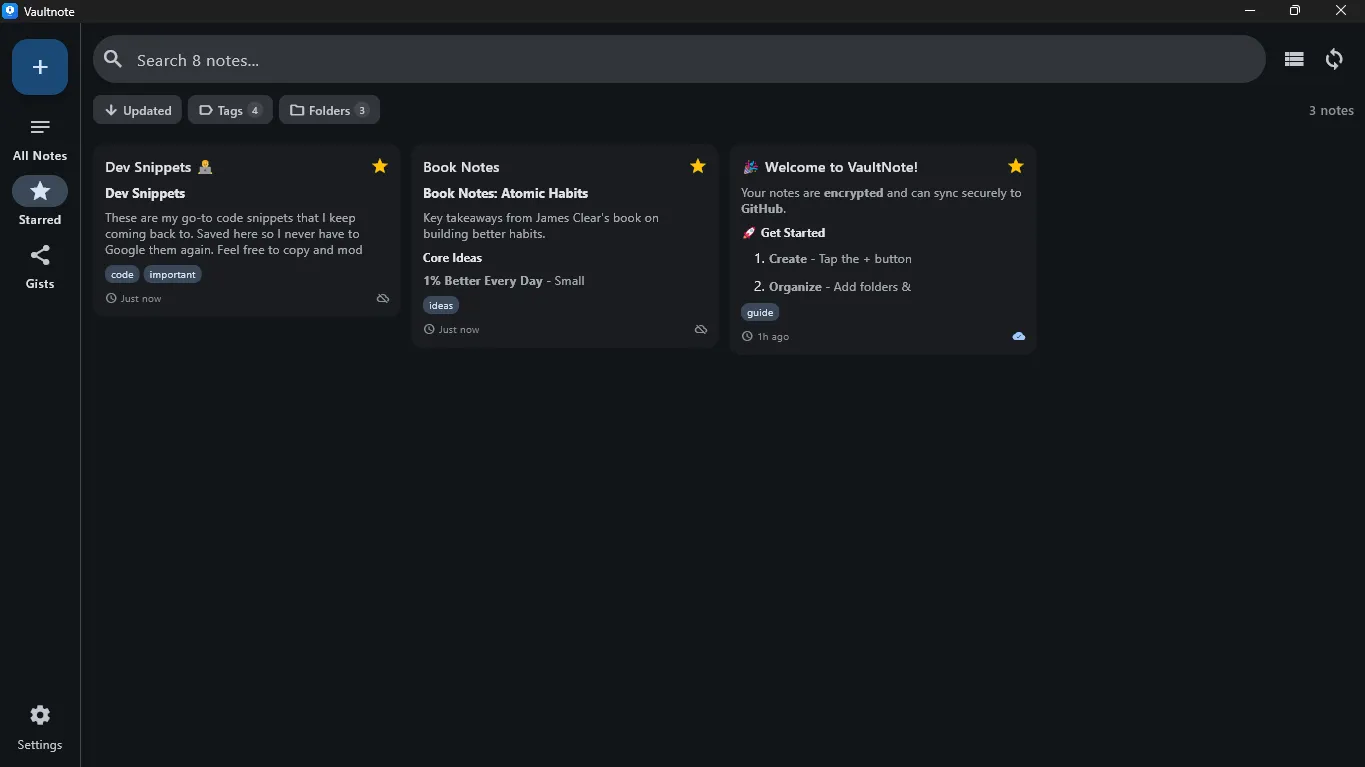
Debug Logs
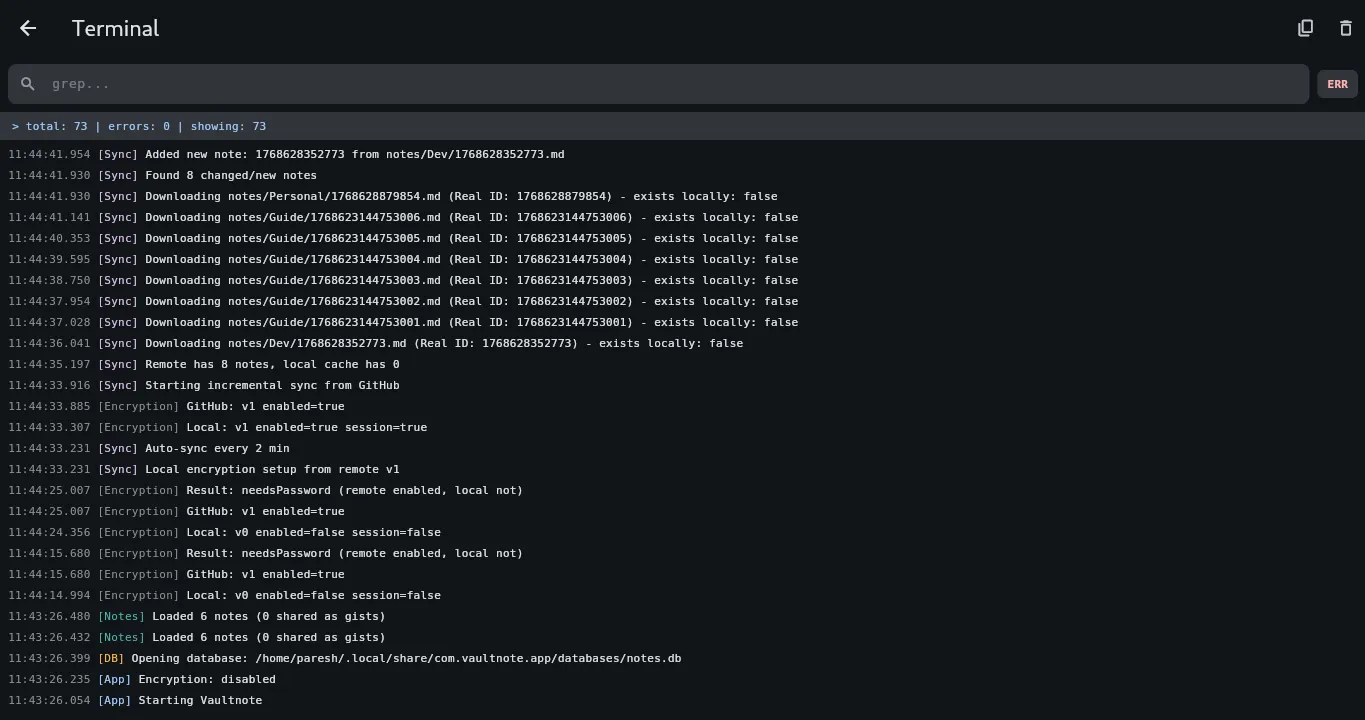
Available Everywhere
Sync your encrypted notes across all your devices.
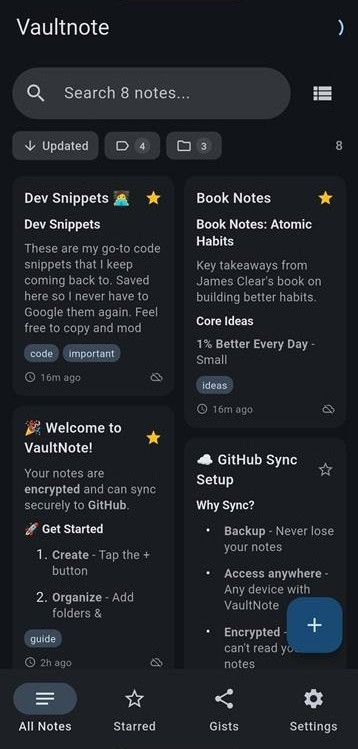
Home
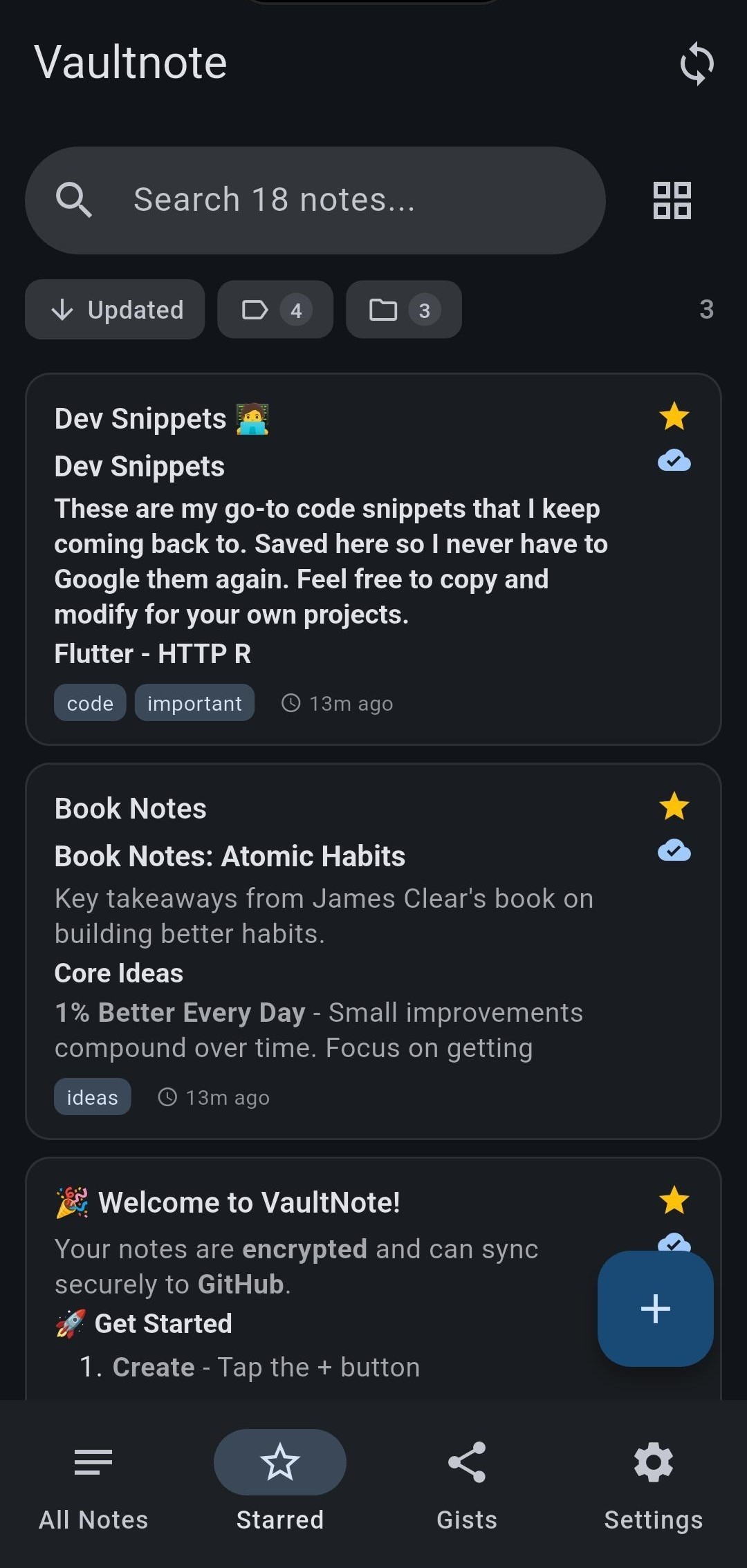
Starred
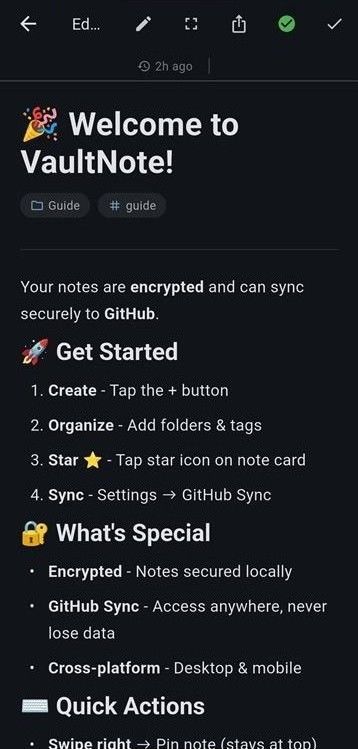
Note View
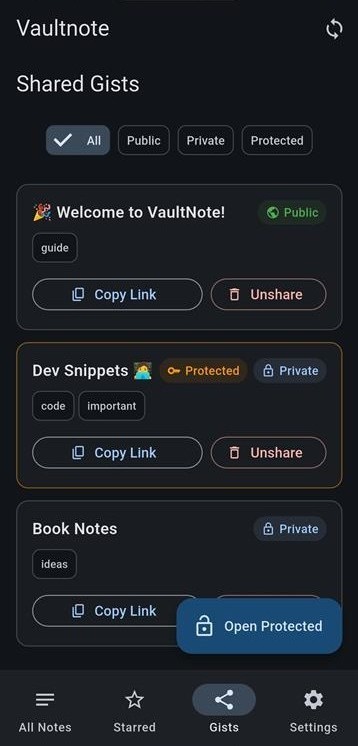
Gists
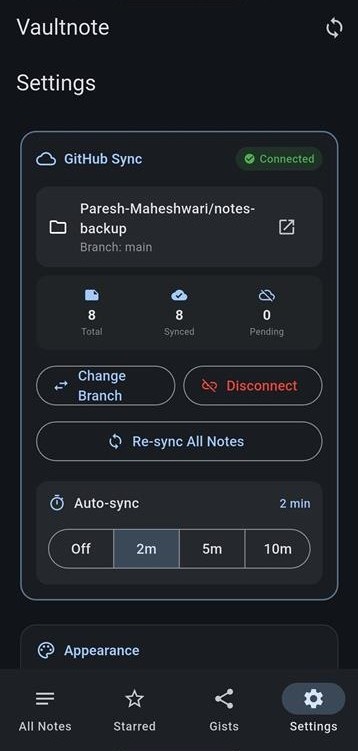
Settings
Swipe to see more →
Share with Gists
Share notes publicly or privately using GitHub Gists.
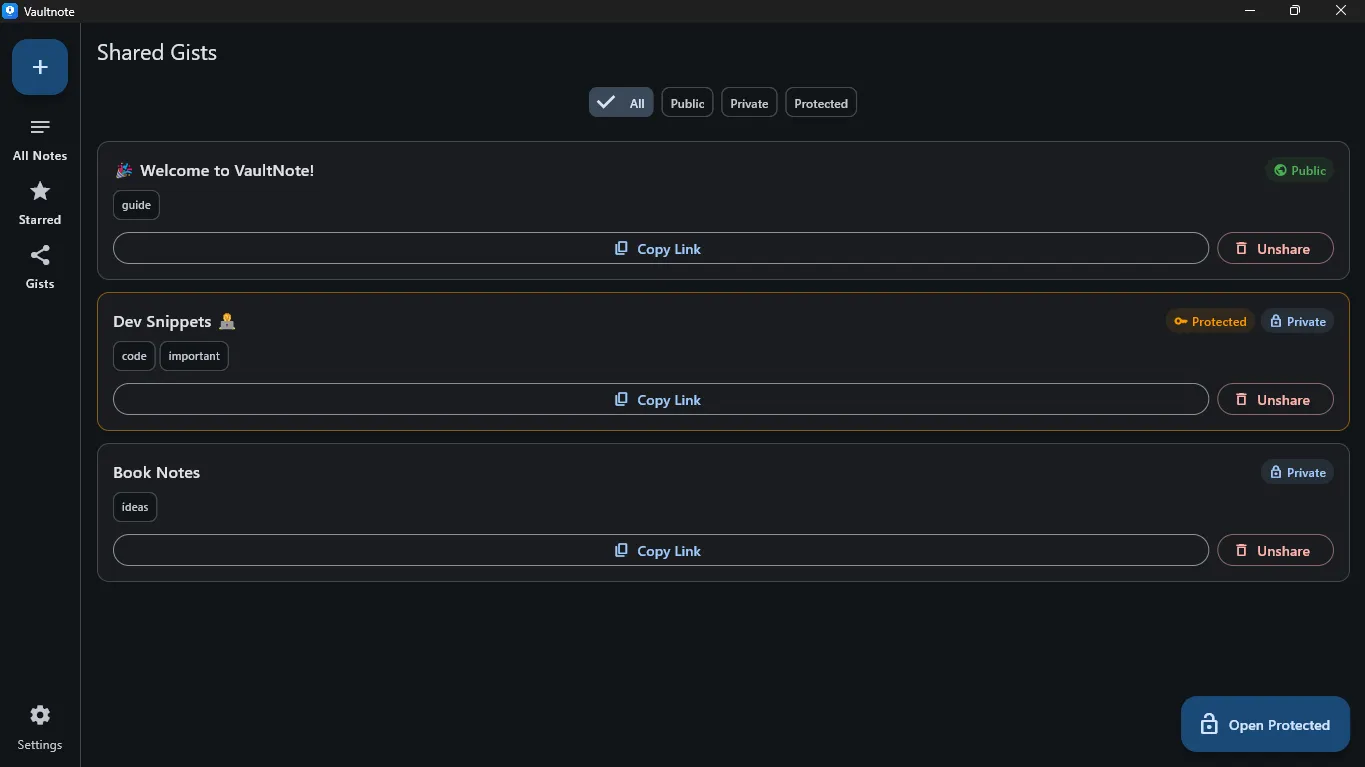
Public
Share openly with anyone
Secret
Share via link only
Password Protected
Encrypt with custom password
Frequently Asked Questions
Got questions? We have answers.